New cohort every month
Edit videos on your phone & computer — from zero
32 short lessons, learn anytime, with a support group and feedback on your work.
- 32 short video lessons
- Lifetime access
- Support community
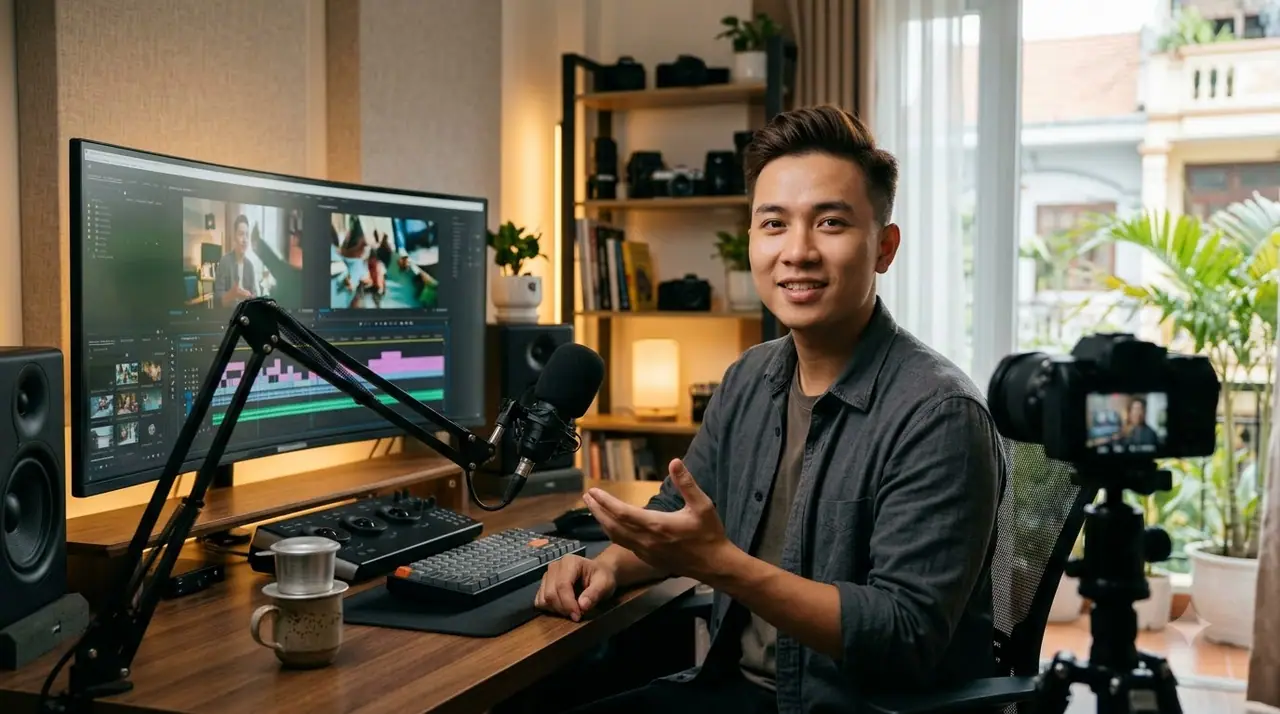
Free lesson
Watch a free lesson
3,200+students (sample)
32lessons
4.9/5rating (sample)
Curriculum
The course in 3 parts

Shoot great footage on your phone
Angles, lighting, audio
8 lessons
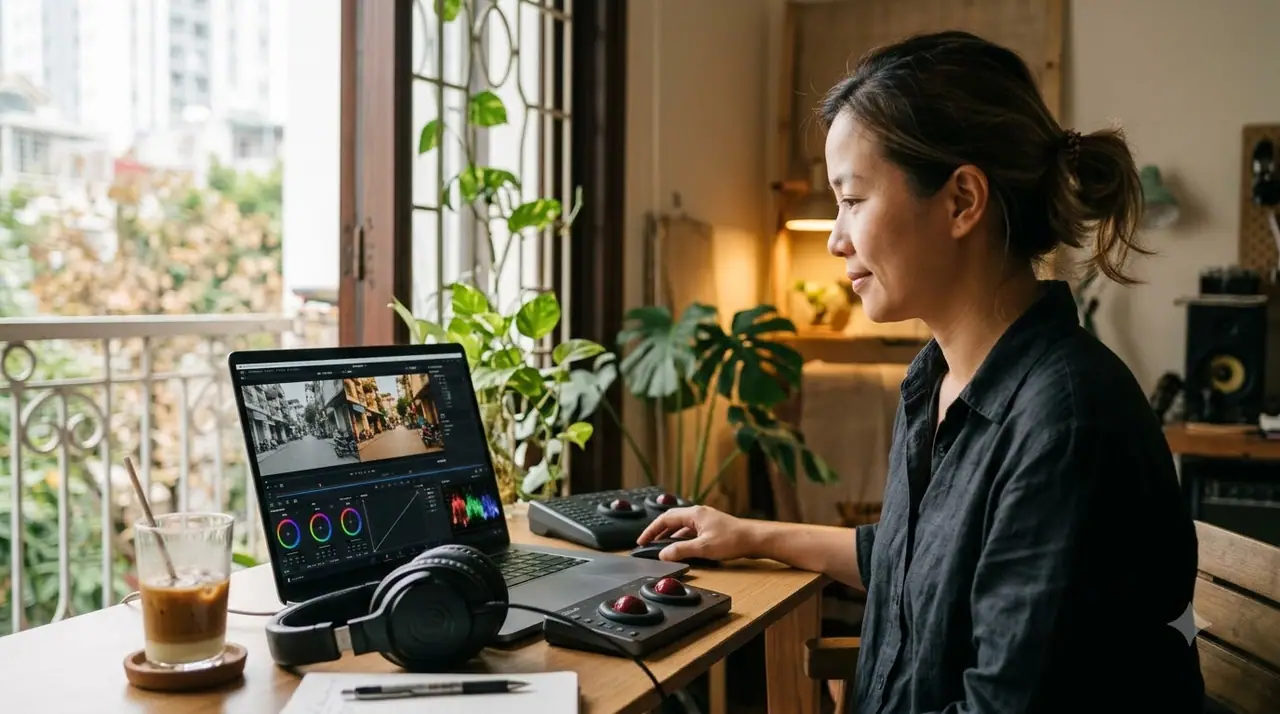
Editing & color grading
CapCut, Premiere — from the basics
14 lessons

Publish consistently
Titles, thumbnails, posting schedule
10 lessons

Why students choose this course
Short 5–10 minute lessons
Practice files for every lesson
Feedback in the group
Free updates with new lessons
Pricing
Choose your plan
7-day refund if you have watched no more than 5 lessons (sample).
Launch offer
40% off for the first 100 students
When the timer ends, prices go back up.
03Days
05Hours
00Minutes
00Seconds
Students
What students say
I shoot and edit my own product videos now — no more outsourcing.
Short lessons — one or two each evening is enough.
Our bakery's TikToks look far more professional.
Frequently asked questions
I am a complete beginner — can I do this?
Yes — we start from installing the apps and the very basics.
Can I learn on my phone?
Yes, lessons play on any device.
Do I get support after the course?
The support group stays open for students for life (sample).
Get a free lesson
Your free lesson arrives right after you sign up.